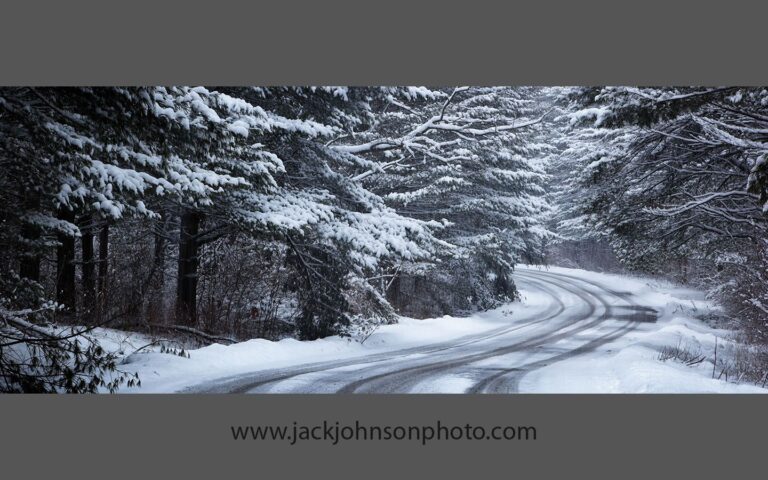
Monthly Desktop Wallpaper / Calendar – December 2009
This is a bit of an experiment, inspired by Dave Taylor and Varina and Jay Patel, among others. I'm starting with only two image sizes, one wider than the other.
To set an image as your desktop wallpaper, just right-click (PC) / control-click (Mac) on one of the links below and save the image to your desktop or some other location where you'll be able to find it again. Then right-click (PC) / control-click (Mac) on the image and select the option to make it your Desktop Background / Picture.
Even easier, some browsers will let you set it as your Desktop Background / Picture directly from their context menu when you right-click (PC) / control-click (Mac).
Please leave your comments below to let me know what you think!
– Jack



Beautiful image and wonderful presentation, Jack.
Thanks, Dave!
An interesting experiment. I hope it is successful for you. I have been pondering something similar as well, but now I might feel like a copycat. 😉
Hi, Derrald –
I’d say jump in, the water’s fine, and there are lots of us in it! :^D
I’d been pondering this myself for some time, but didn’t actually do anything about it until Dave Taylor’s pushed me over the edge. Varina & Jay Patel’s calendars were also an inspiration.
My goals for the calendar are pretty simple – just one more way to let people see my work, and hopefully respond to it. On that level it’s been a success already. So, I guess I’d better pick out an image for January’s calendar!
Thanks for stopping by & taking the time to comment!
– Jack